✨ New Arrivals Just Dropped!Explore

HomeStore
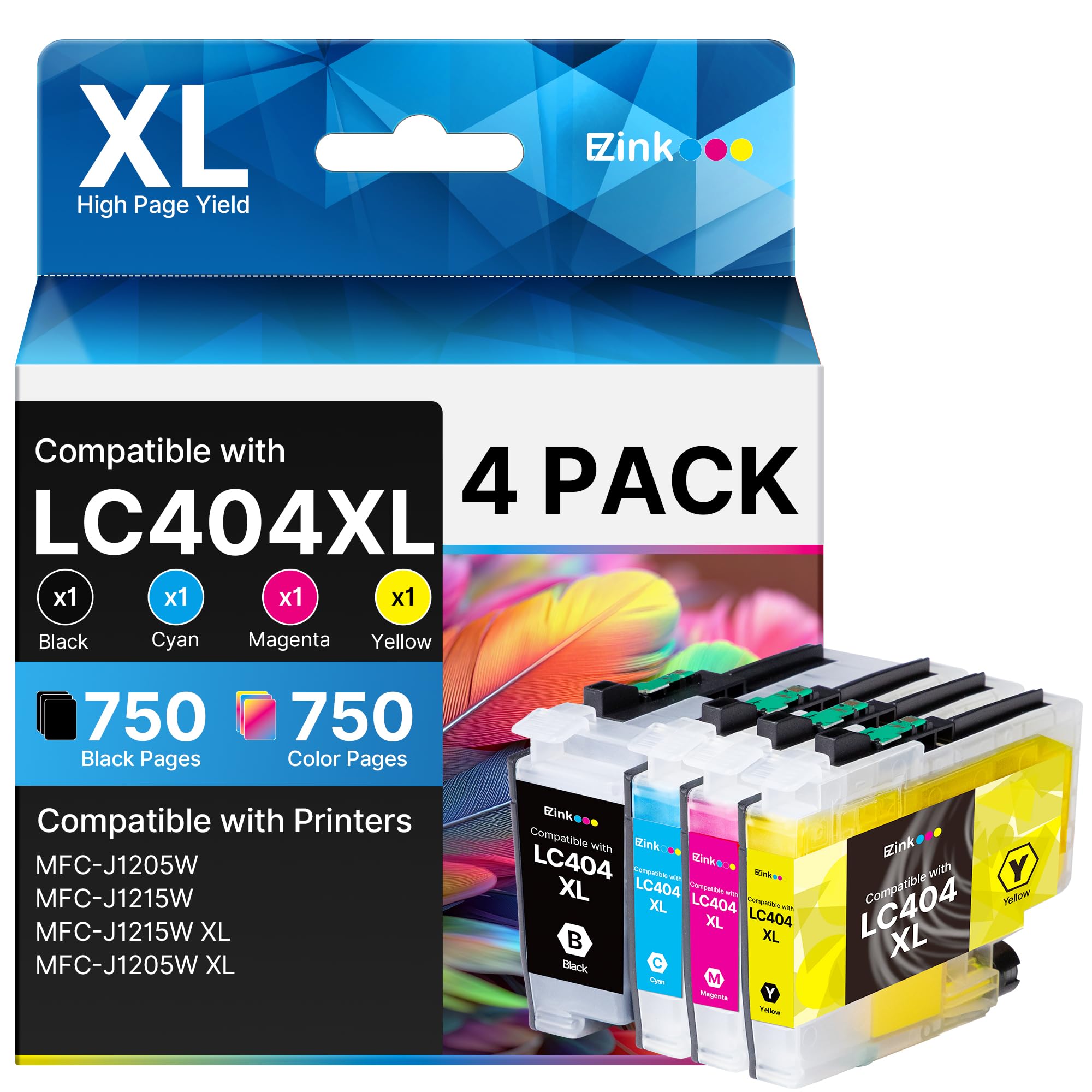
E-Z Ink LC404 MFC-J1205W Replacement for LC404 Ink Cartridges for Brother Printer 404XL LC 404 XL use for MFC-J1205W MFC-J1215W J1205WXL J1215W XL Printer (Black, Cyan, Magenta, Yellow, 4 Pack)
E-Z Ink LC404 MFC-J1205W Replacement for LC404 Ink Cartridges for Brother Printer 404XL LC 404 XL use for MFC-J1205W MFC-J1215W J1205WXL J1215W XL Printer (Black, Cyan, Magenta, Yellow, 4 Pack)
$49.99
E-Z Ink LC404 MFC-J1205W Replacement for LC404 Ink Cartridges for Brother Printer 404XL LC 404 XL use for MFC-J1205W MFC-J1215W J1205WXL J1215W XL Printer (Black, Cyan, Magenta, Yellow, 4 Pack)—
$49.99
The Story
- Product name: E-Z Ink LC404 ink cartridges for brother printer LC404XL LC 404 XL with latest upgrade Chip replacement for brother mfc-j1205w ink cartridges
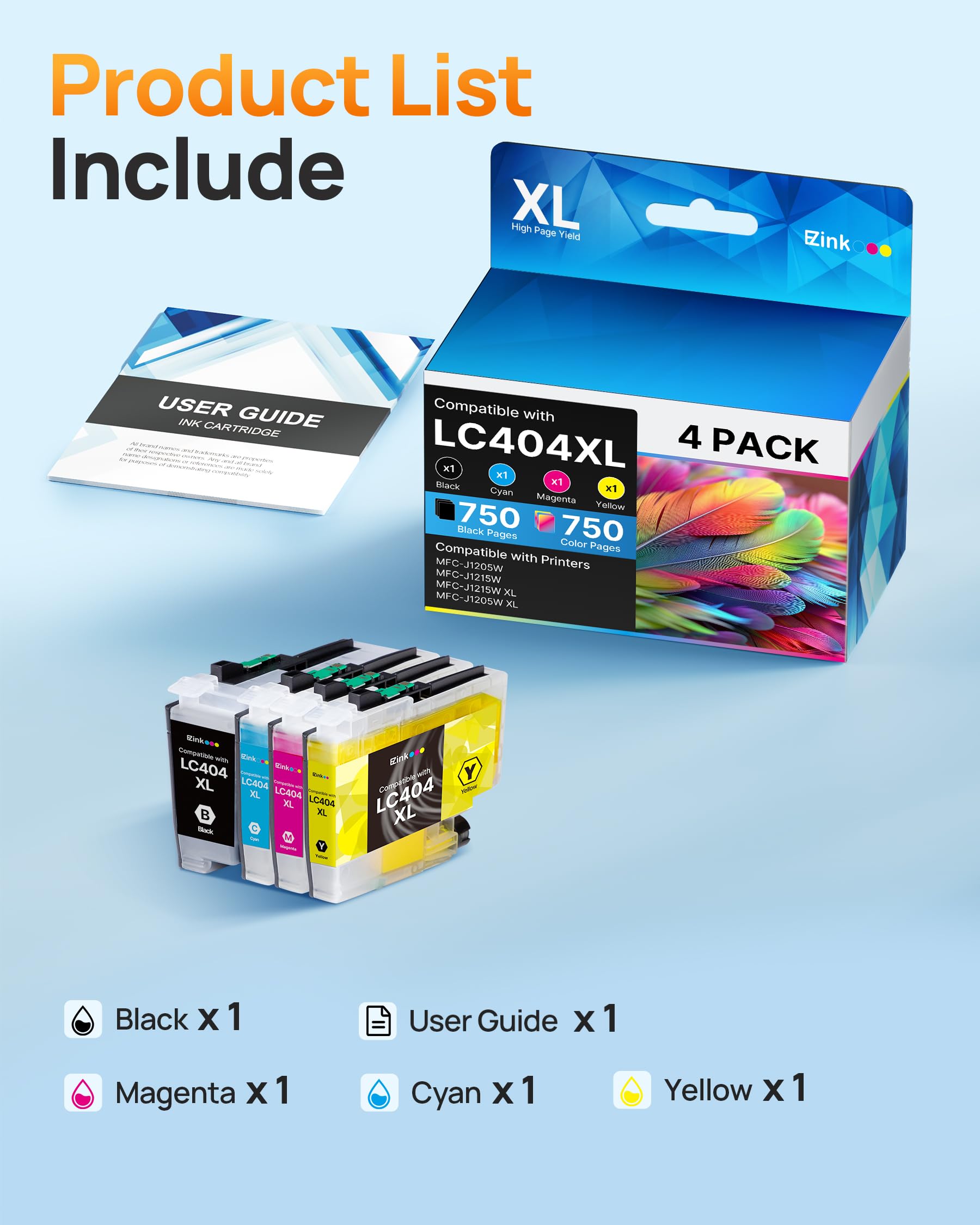
- Package content: 4/Pack LC404 compatible for brother lc404 ink cartridge with high yield ( 1 x Black LC404XL BK, 1 x Cyan LC404XL C, 1 x Magenta LC404XL M, 1 x Yellow LC404XL Y, 1 x User Guide)
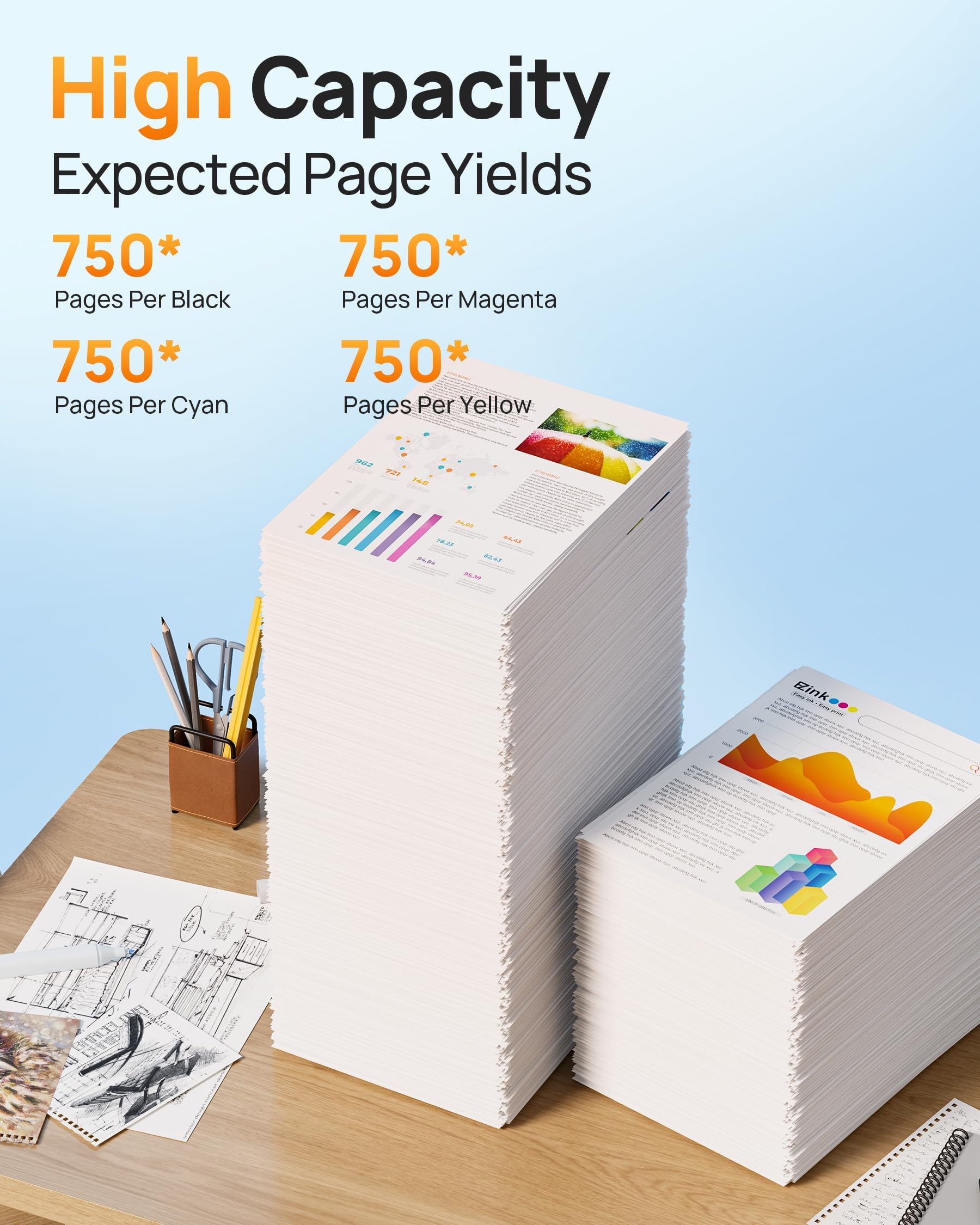
- Unmatched Inkjet Output: more page prints with E-Z Ink LC404 MFC-J1205W, 750 pages per black LC404 ink cartridge, 750 pages per color LC404 ink cartridge (At 5% Coverage of A4 Paper)
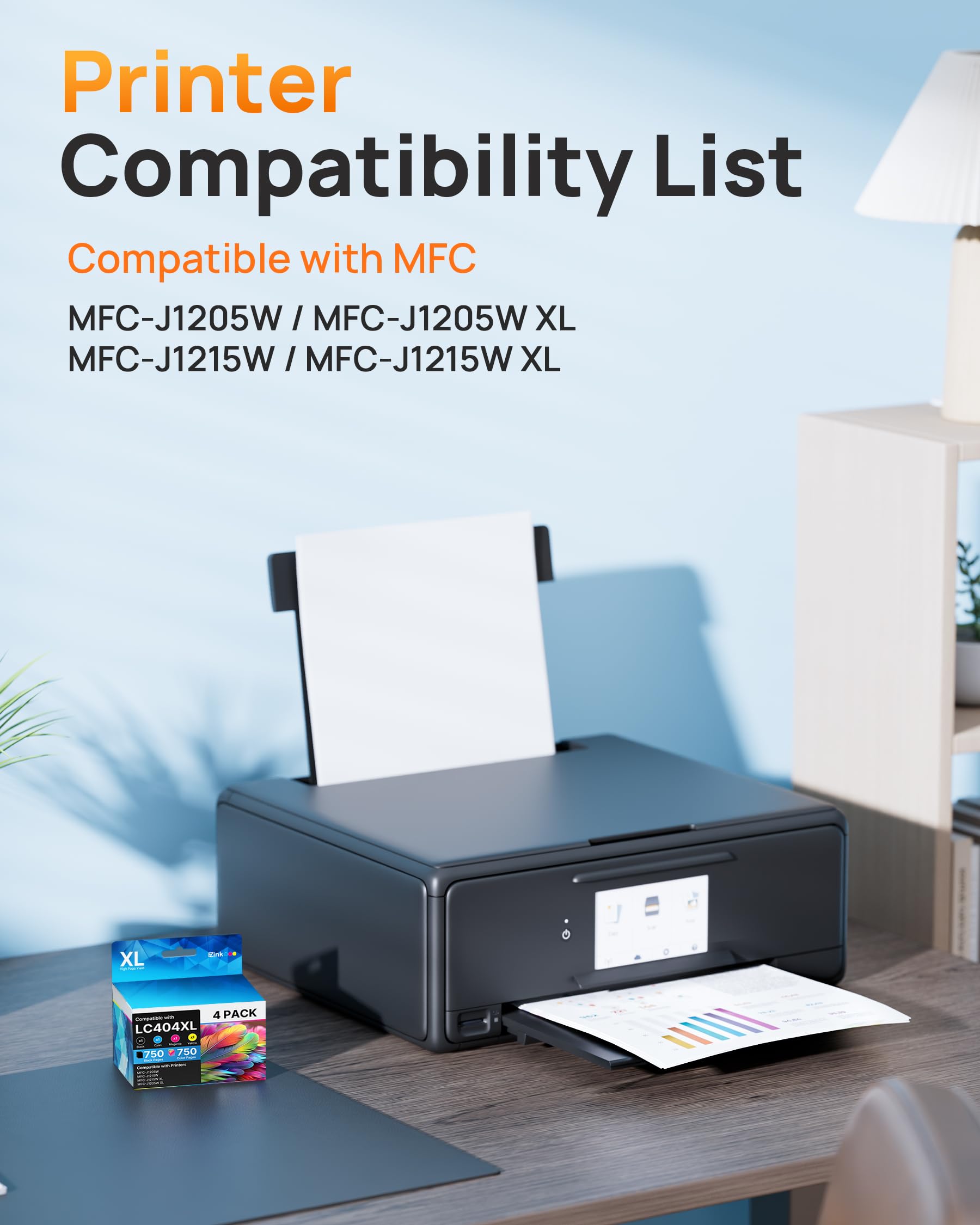
- Easy installation for immediate use: LC404 ink cartridges for brother printer to use with Brother Tank inkjet multi-function color inkjet printer models :MFC-J1205W MFC-J1215W MFC-J1205W XL MFC-J1215W XL printer
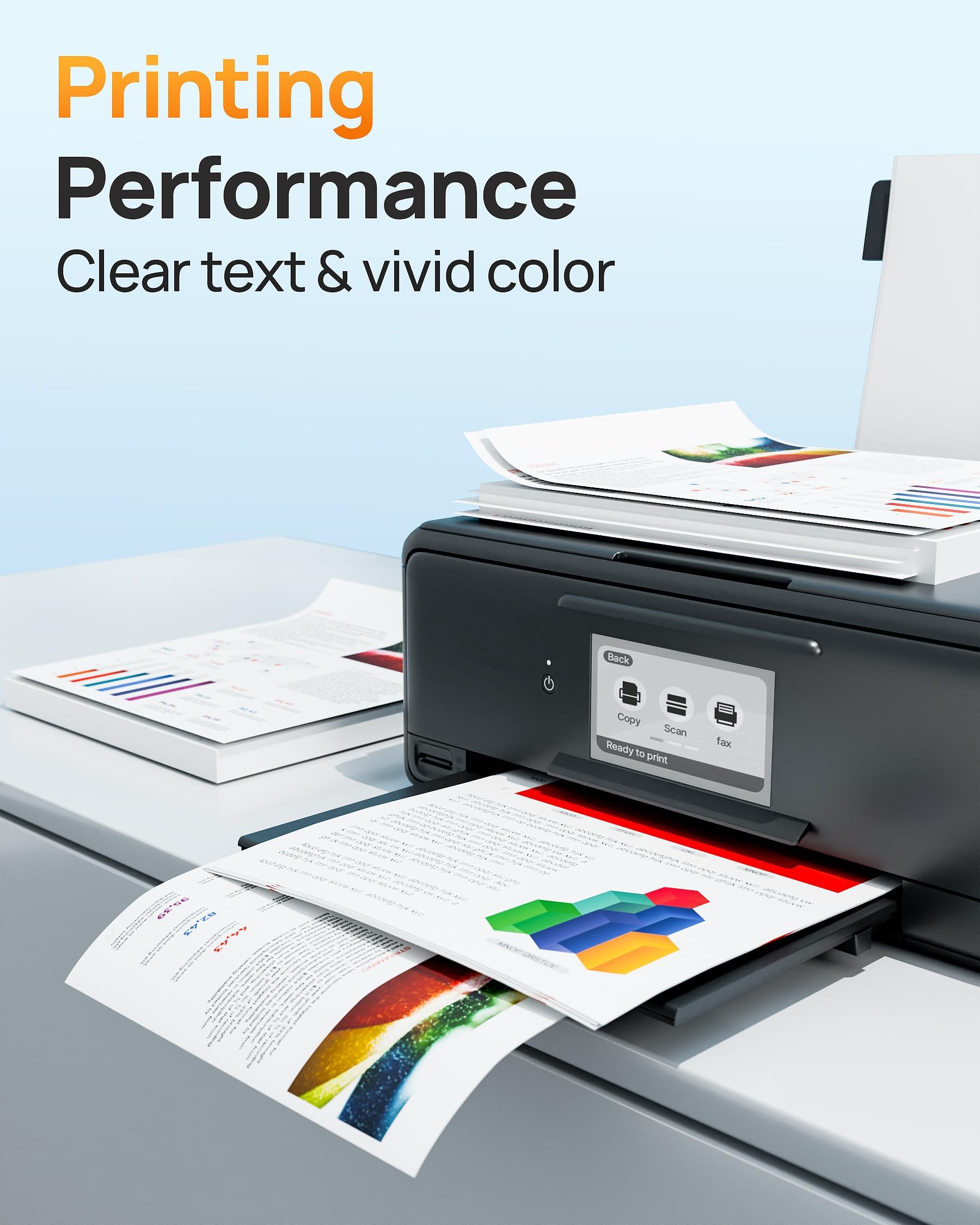
- Offers Superior Inkjet Performance: E-Z Ink newly upgraded LC404 ink is equipped with a top-of-the-line smart chip towork in perfect harmony with your printer, achieving exceptional print quality and unwavering reliability.
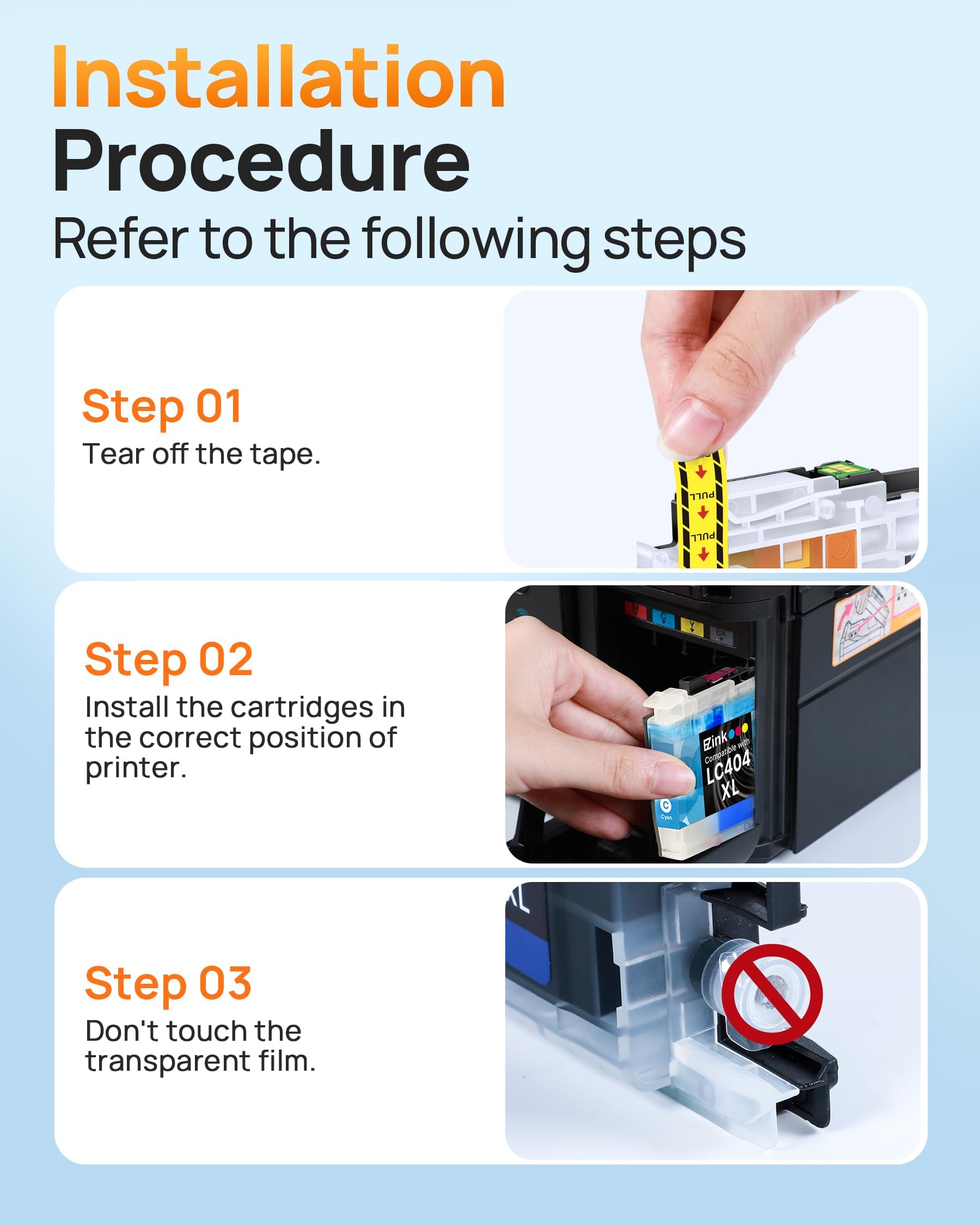
- Easy Installation::Tear off the pull tape and insert the cartridge effortlessly—no tools or technical skills required. Do not touch the chip or remove the protective seal before installation to ensure ink quality and stable recognition.
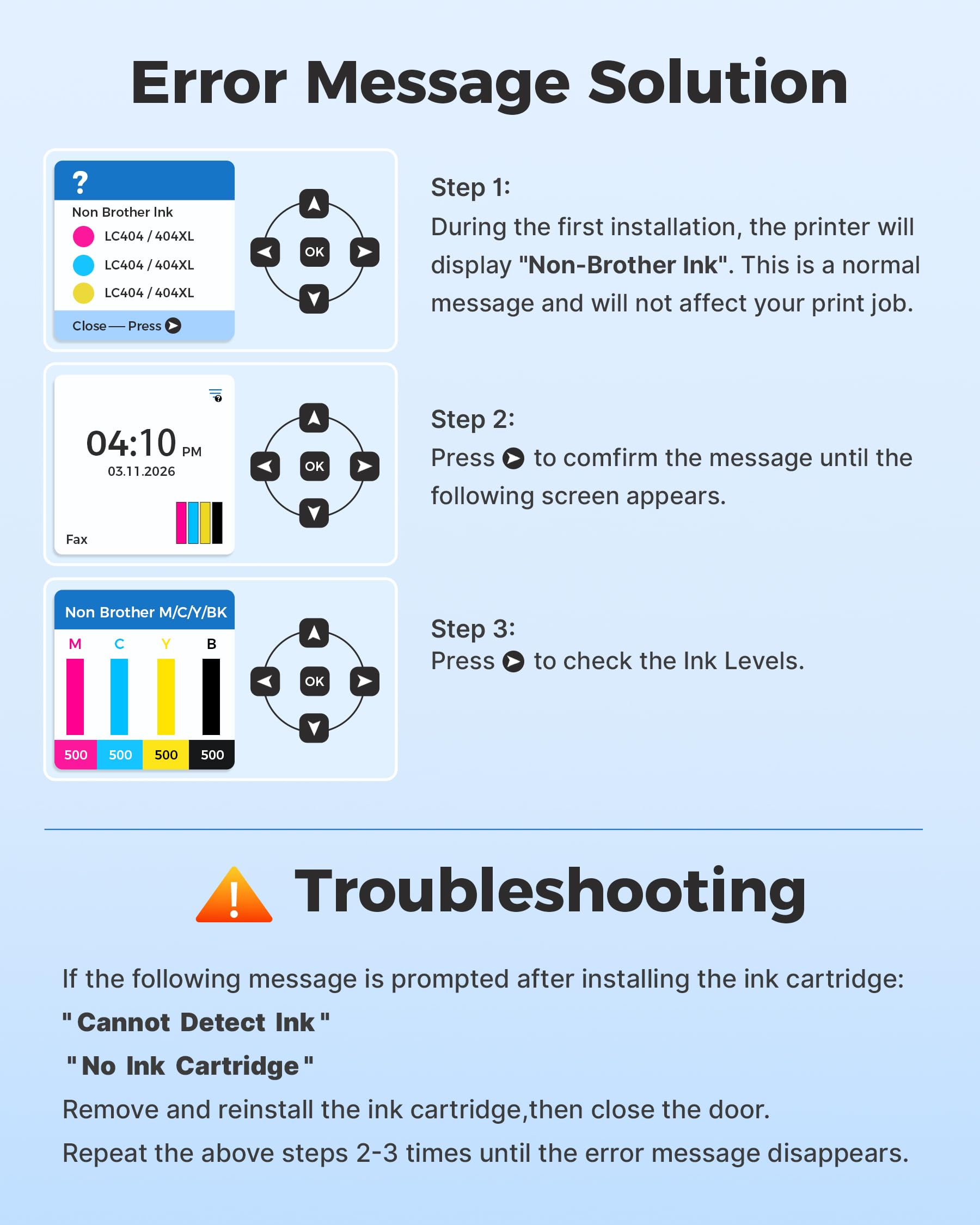
- Error Troubleshooting:If you encounter "Cannot Detect Cartridge" or "No Ink" errors, simply remove and reinsert the cartridge, then close the printer door. Repeat this 2-3 times as needed until the error message disappears.
Details & Craftsmanship
Every detail has been carefully considered to bring you the perfect product.
Details & Craftsmanship
Every detail has been carefully considered to bring you the perfect product.
Details & Craftsmanship
Every detail has been carefully considered to bring you the perfect product.
Details & Craftsmanship
Every detail has been carefully considered to bring you the perfect product.
Details & Craftsmanship
Every detail has been carefully considered to bring you the perfect product.

Details & Craftsmanship
Every detail has been carefully considered to bring you the perfect product.
Details & Craftsmanship
Every detail has been carefully considered to bring you the perfect product.
Description
- Product name: E-Z Ink LC404 ink cartridges for brother printer LC404XL LC 404 XL with latest upgrade Chip replacement for brother mfc-j1205w ink cartridges
- Package content: 4/Pack LC404 compatible for brother lc404 ink cartridge with high yield ( 1 x Black LC404XL BK, 1 x Cyan LC404XL C, 1 x Magenta LC404XL M, 1 x Yellow LC404XL Y, 1 x User Guide)
- Unmatched Inkjet Output: more page prints with E-Z Ink LC404 MFC-J1205W, 750 pages per black LC404 ink cartridge, 750 pages per color LC404 ink cartridge (At 5% Coverage of A4 Paper)
- Easy installation for immediate use: LC404 ink cartridges for brother printer to use with Brother Tank inkjet multi-function color inkjet printer models :MFC-J1205W MFC-J1215W MFC-J1205W XL MFC-J1215W XL printer
- Offers Superior Inkjet Performance: E-Z Ink newly upgraded LC404 ink is equipped with a top-of-the-line smart chip towork in perfect harmony with your printer, achieving exceptional print quality and unwavering reliability.
- Easy Installation::Tear off the pull tape and insert the cartridge effortlessly—no tools or technical skills required. Do not touch the chip or remove the protective seal before installation to ensure ink quality and stable recognition.
- Error Troubleshooting:If you encounter "Cannot Detect Cartridge" or "No Ink" errors, simply remove and reinsert the cartridge, then close the printer door. Repeat this 2-3 times as needed until the error message disappears.